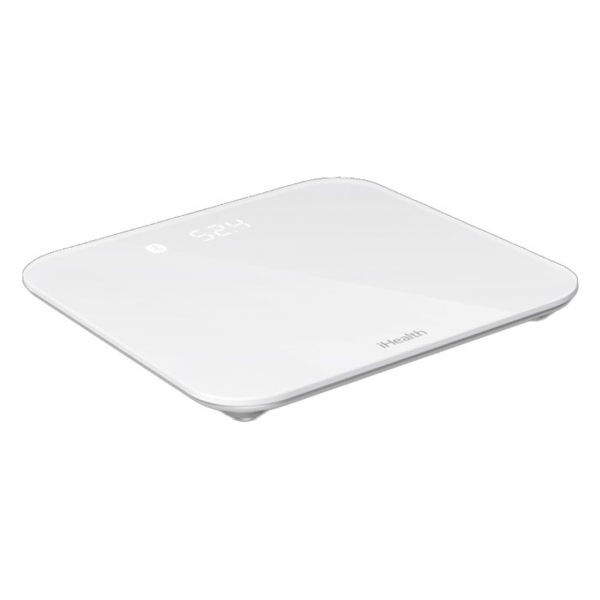
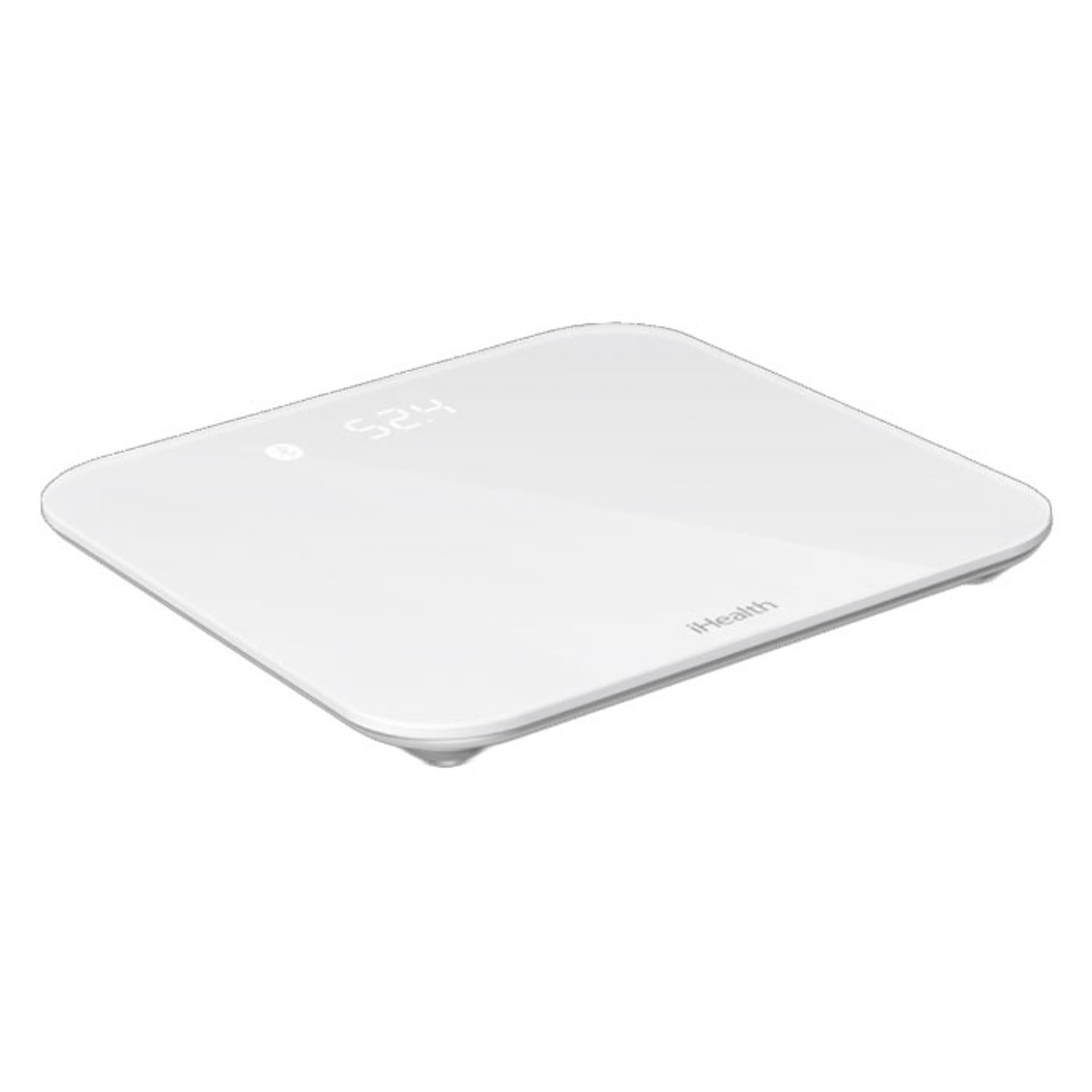
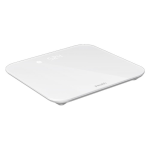






- iHealth Lina Wireless Floor Scale measures weight and body mass
- Results uploaded to the iHealth MyVitals app via Bluetooth
- Weight measurement range: 5kg to 180kg
- iHealth Lina scale requires 4AAA 1.5V batteries
- Stores up to 200 weight and body mass results
iHealth Lina Wireless Floor Scale
View Questions
(10% off first Autoship order*)
$61.70
- FREE 1-2 day shipping on orders $49+
- Free 30-day returns
- 24/7 product guidance
- iHealth Lina Wireless Floor Scale measures weight and body mass
- Results uploaded to the iHealth MyVitals app via Bluetooth
- Weight measurement range: 5kg to 180kg
- iHealth Lina scale requires 4AAA 1.5V batteries
- Stores up to 200 weight and body mass results
Description
FAQ
About iHealth Lina Wireless Floor Scale:
iHealth Lina Wireless floor scale is designed to measure weight and body mass index, and then automatically upload and save those measurements to the app. Multiple user ability with storage for up to two hundred measurements. You can filter the app to only select your own data to track your own progress. This sleekly designed scale adapts to all surfaces with four carpet/rug adapters that can be positioned on its four feet, allowing good stabilization for accurate measurement. It connects to the free iHealth MyVitals app, which is available for both iOS and android, so you can learn your body mass index and set personal fitness goals. View change in weight in the form of a graph, as well as results history, which are accessible at any moment so that you can stay motivated. Securely share your data with health professionals.
Key Features and Benefits
- Stores up to 200 weight and body mass results, with the ability to track multiple users.
- Filter specific user data to graph and view history, making it easy to stay motivated to work towards your health goals.
- Connectivity: Bluetooth 4.1 class 2, which allows for easy upload to the app and ability to share data securely with health professionals.
- Weight measurement range: 5kg to 180kg.
- Lina Scale weighs 1750gm.
Who Should Be Using This Product?
Precision Scales may benefit individuals working towards health goals, showing trends in weight and other measurements.
How Do You Use or Apply This Product?
Carefully read instructions included with this product before using.
- After installing batteries, you will want to ensure a connection between the scale and the app.
- Download the iHealth MyVitals app and connect your phone via Bluetooth.
- Tap the scale to turn on.
- Launch the app to initiate connection.
- Additional/daily weigh-ins can be taken without being connected to your mobile device.
Up to 200 weight measurements can be stored on the scale, with newer measurements overwriting oldest ones.
| Brand | iHealth |
| Product | Lina Wireless Floor Scale |
| Model | HS2 |
| Power | 4 x 1.5V AAA batteries |
| Accuracy Range | +/- 1.1 lb. |
iHealth Lina Wireless Floor Scale FAQ’s
How do I connect my iHealth scale to my phone?
Your iHealth scale connects to your mobile phone via Bluetooth and is compatible with both iOS and Android.
- Download MyVitals app. Search “iHealth” and install the app.
- Launch MyVitals app and register an account or Log-in.
- Connect the scale to your smartphone by opening the app and selecting “Set up My Devices”. Look for Lina HS2 in the list.
- Remove plastic tabs from the battery area. The scale should display “0.0”
- Activate Bluetooth. You should see “your device is connected.”
- Your Scale is ready for use.
For further assistance, check out the User manual and quick start guide.
Can I use a wireless scale without a mobile device?
Wireless scales can operate without a mobile device after the first connection is established. However it may be necessary to use your mobile device (launch the app) at least once every 200 weigh-ins, as new measurements overwrite older ones stored in the Scale. When the Wi-Fi connection is reestablished measurement data will be uploaded to your mobile device.
How do I reset my Lina Wireless Floor Scale?
Reset the Scale by pressing the “Set” key on the back of the Scale next to the battery compartment and hold it for 8 seconds.
How often should I use a smart scale?
The frequency of use depends on the individual’s needs and goals. Best time to weigh? In the morning after emptying your bladder and before eating anything, and wearing minimal clothing. Early morning weigh-ins are reported to help with consistency and habit making.
How does bluetooth scale work?
Smart scale works on the basis of BIA (Bioelectrical Impedance Analysis). A small electrical current is sent from one foot through the whole body to the other foot. This current speed detects the percentage of fat, water, muscles, and bones. The current flows faster through water and muscle, since bone and fat are poor electricity conductors.
Who should not use a precision scale?
This scale is not designed for use by infants and toddlers. In addition, some body composition measurements are not intended for children under 18.
Additional information
| Size |
1 Each |
|---|
Reviews (0)
Be the first to review “iHealth Lina Wireless Floor Scale” Cancel reply
Resources
Recently Viewed Products
CareALL Bacitracin First Aid Antibiotic, 1 oz.
Rated 0 out of 5
$9.80 – $51.40Price range: $9.80 through $51.40
Trilon Powder Free Synthetic Vinyl Exam Glove, Clear
Rated 0 out of 5
$8.90 – $50.90Price range: $8.90 through $50.90
Contact Us
Click Now
Monday to Friday 8 am- 6 pm Pacific Time
(800) 924-3560
Join Our Team
Our Story
Join our email list
We’ll send you expert product recommendations, helpful articles, & caregiver stories.
Monday to Friday 8 am- 6 pm Pacific Time


Reviews
There are no reviews yet.